1
Start where you are
A placement check of about 10 minutes, with a “Not sure” button, so lessons begin at the right place instead of at hydrogen for everyone.
For high-school chemistry
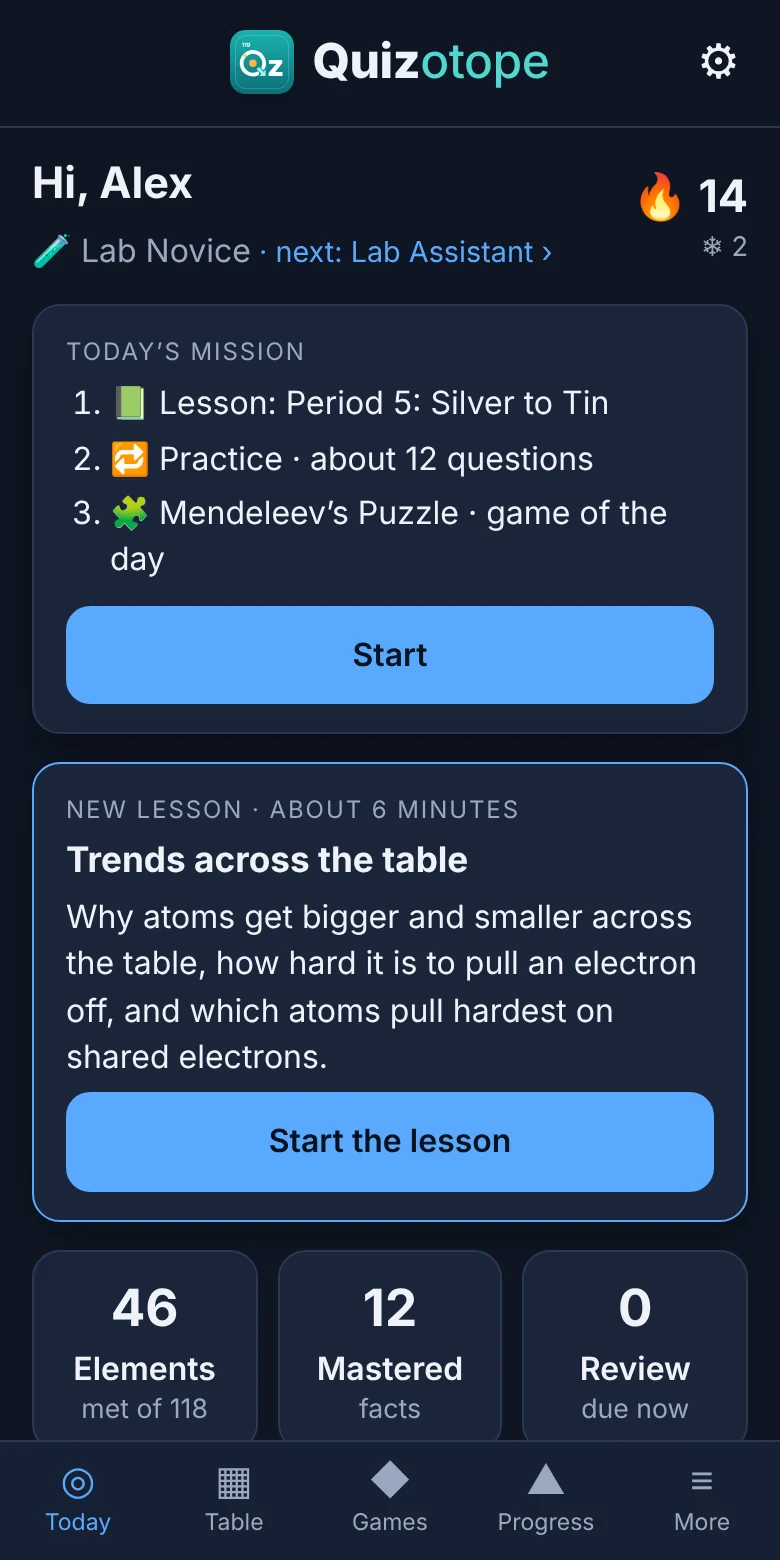
Short lessons teach each element with a memory hook and its place on the table. Practice brings every fact back right before you’d forget it, and the games use only the elements you’ve learned.
No sign-up needed to try it. Works on phones, Chromebooks and computers.
Try it now
Name an element and see its memory hook, find squares on a blank table, sort metals from nonmetals, match symbols to names, and spell words with element symbols. About three minutes, using the first 36 elements.
In the app, the games use only the elements you’ve learned, and the ones you miss come back sooner until all 118 stick.
How it works
Every element is taught before it’s tested, and every fact comes back at the right time.
A placement check of about 10 minutes, with a “Not sure” button, so lessons begin at the right place instead of at hydrogen for everyone.
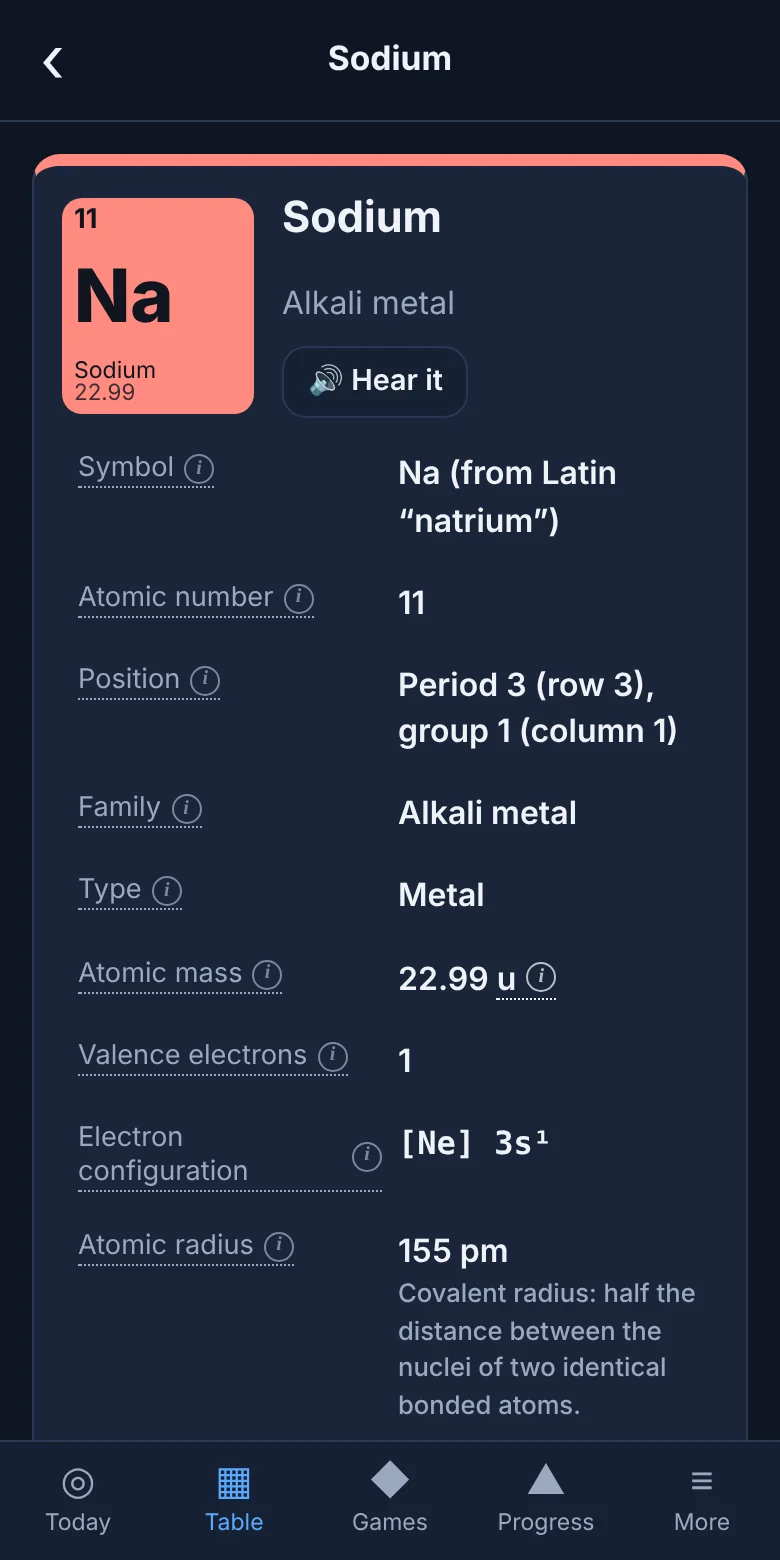
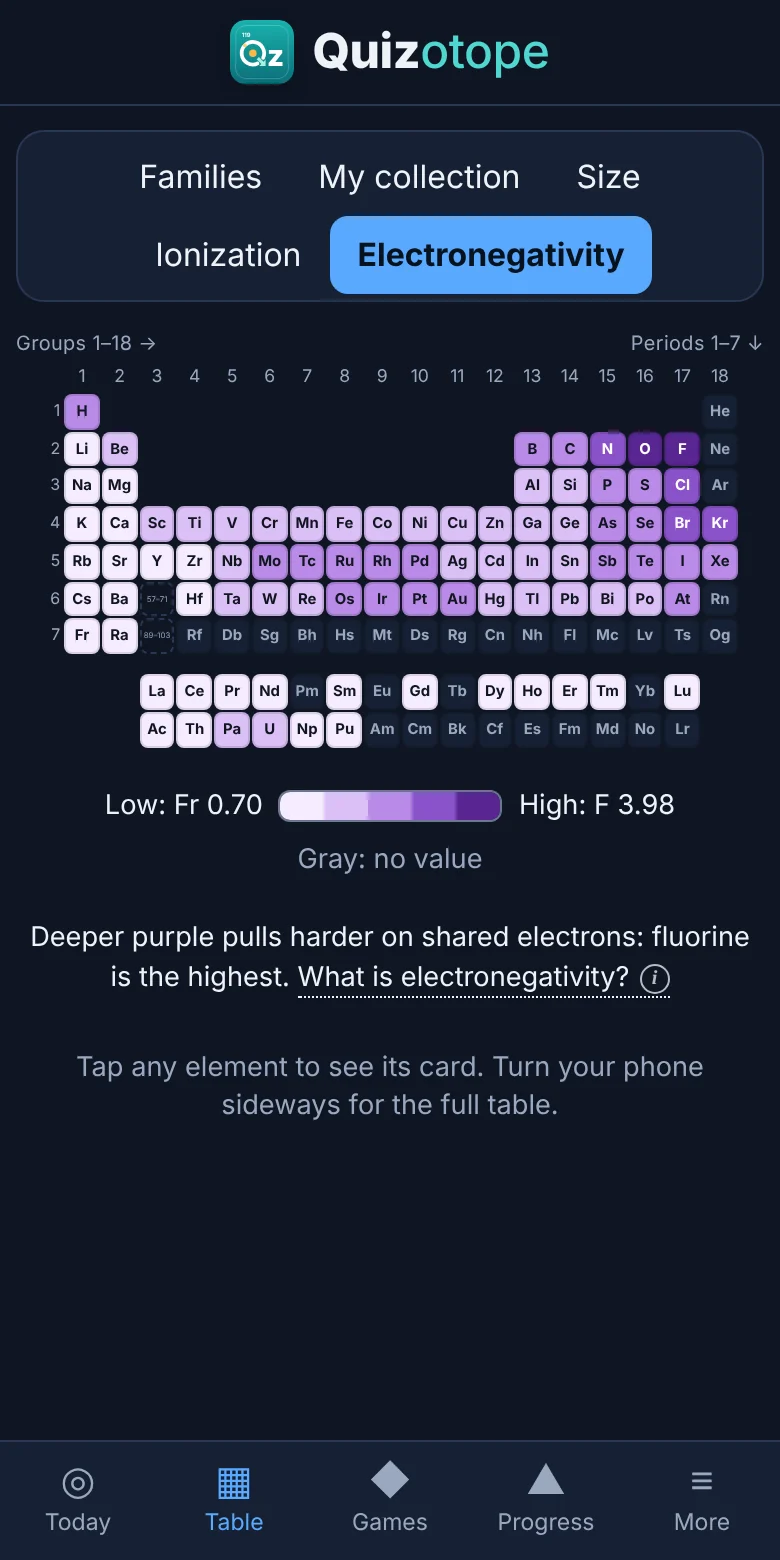
Each lesson gives an element a memory hook, shows its place on the table, and shows how to work out its number from the noble-gas landmarks.
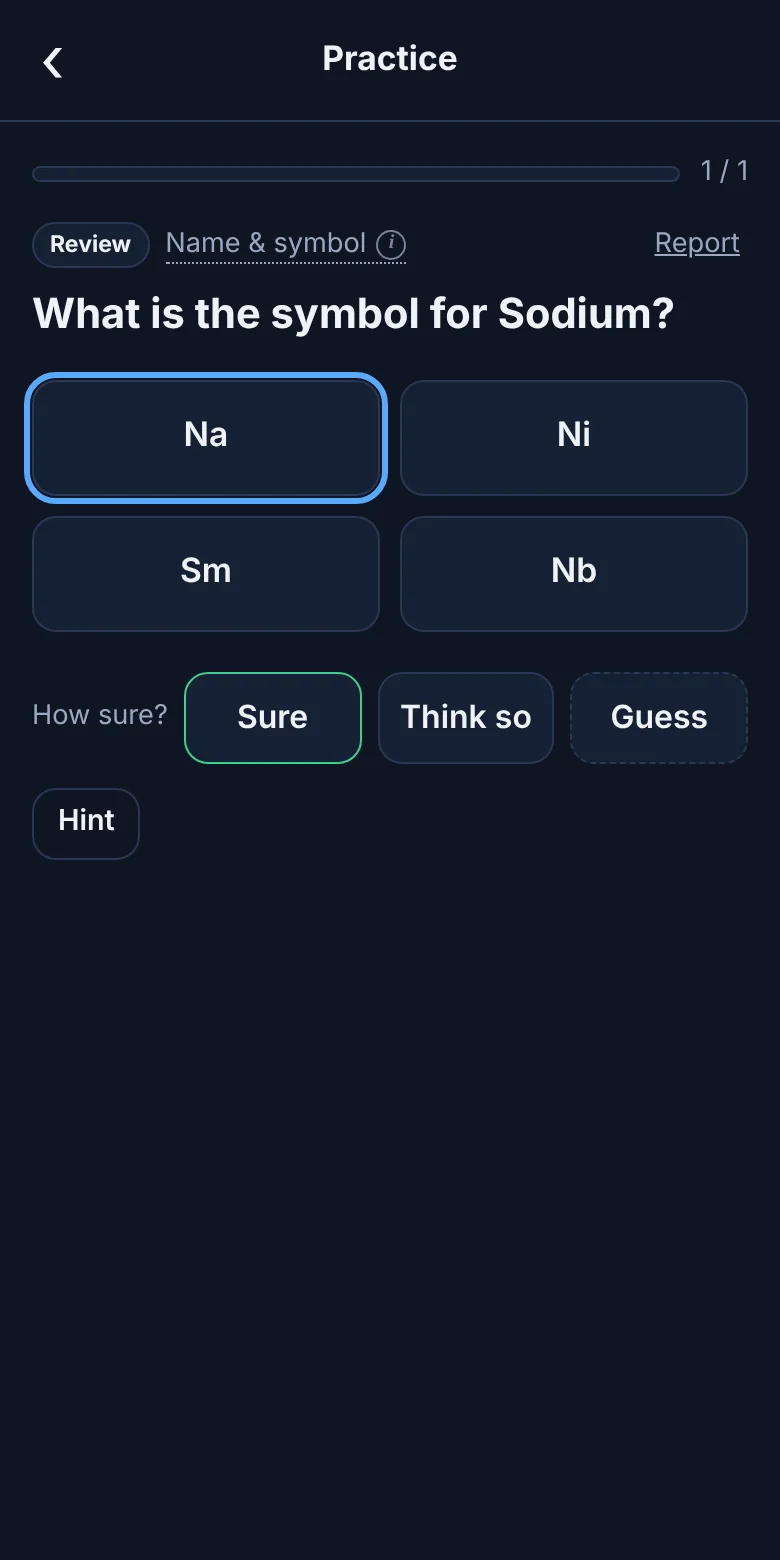
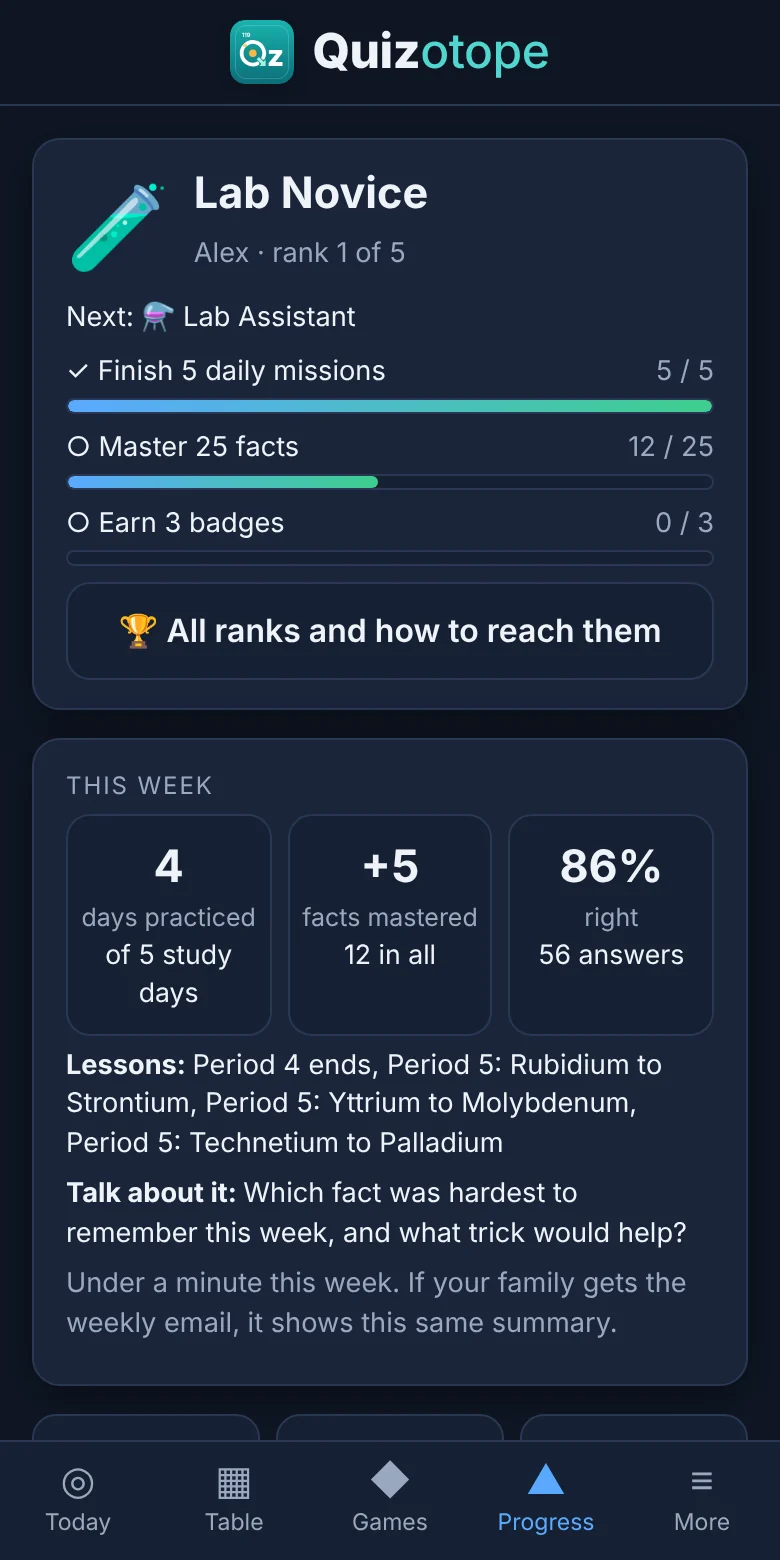
Spaced practice brings each fact back right before you’d forget it. Tap Sure, Think so or Guess: a lucky guess doesn’t count as knowing it.
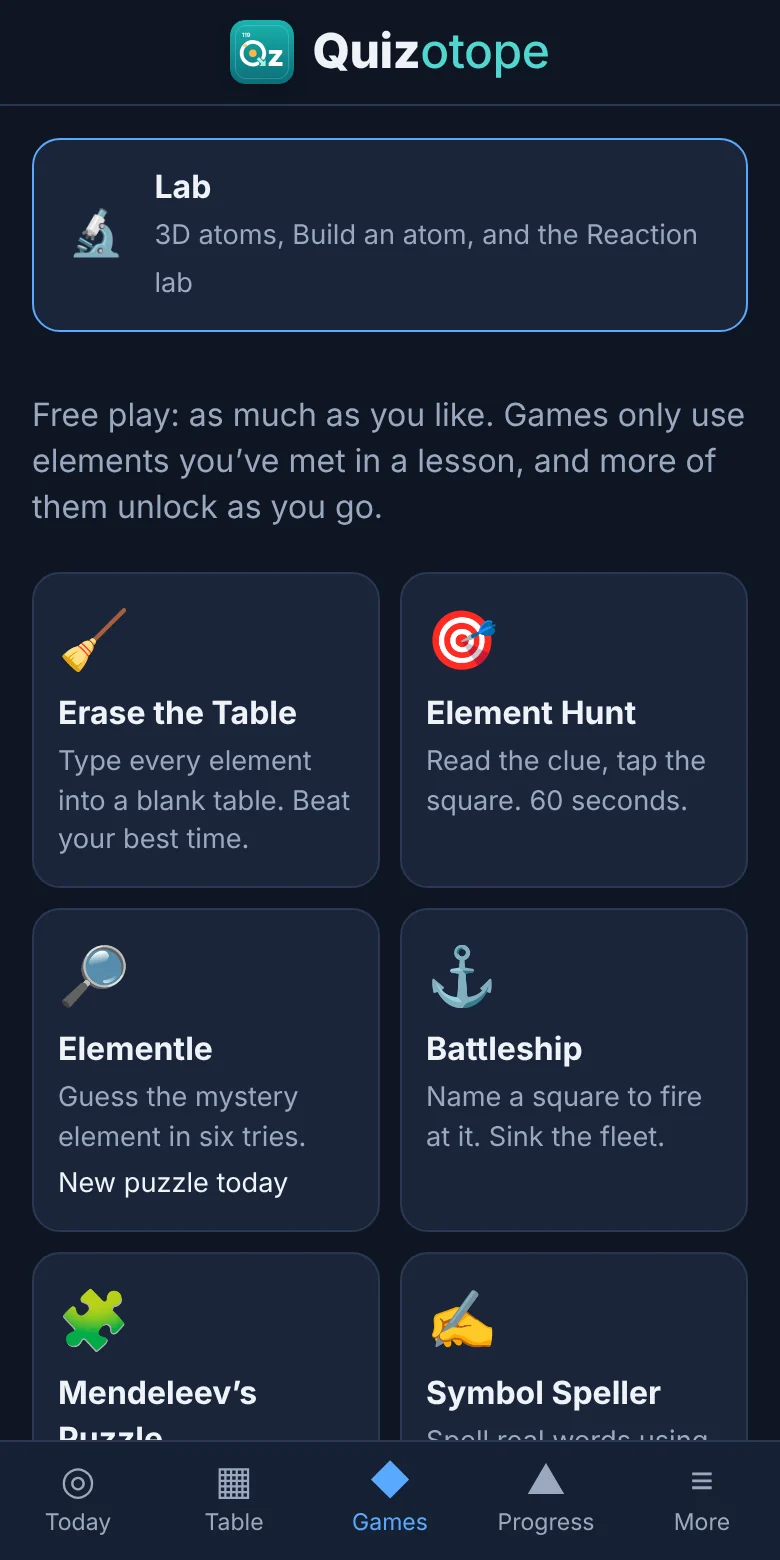
Eight games, from Element Hunt to Mendeleev’s Puzzle, use only the elements you’ve met. Ranks, badges and streaks keep it going.
Built around the topics of a high-school chemistry course.
34 lessons and more than 800 facts: symbols, names, numbers, groups and periods, families, mass, valence electrons and electron configurations.
14 graded quizzes, with a percent and a letter. Retakes get new questions, and the best score counts.
17 lessons for a first chemistry class: trends, ions and bonds, naming compounds and acids, forces between molecules, equations, precipitates, and acids and bases.
Spin 3D atoms, build an atom, mix two solutions to see what forms, balance equations, and get coached through naming any compound.
Phones, tablets, Chromebooks and computers. Install it like an app; it keeps working without the internet.
Brothers and sisters can share a tablet. Each person has their own progress and sign-in, with an optional PIN.
For families
For teachers and schools
Thinking about it for a class? Get in touch and we’ll set it up with you, including how student privacy works for your school.
Open the app on any device and tap Start. No sign-up. Progress is saved on that device.
Open QuizotopeAccounts save progress online so it follows you to every device, and they add the weekly email and the class tools. Tell us a little about who will use it.
Ask about accountsContact
Send a note and we’ll reply from hello@isolcentral.com. You can also email us directly.